

Resources
Building a Driver App Drivers Want to Use

A driver app has one job: help drivers complete their stops quickly and correctly. Drivers use it all day, often in a hurry, sometimes in bad weather and frequently with weak signal. An app that ignores those conditions gets worked around. One that respects them becomes the tool drivers rely on.
Design for the road
Drivers glance at the app between tasks, often with one hand. Large buttons, high contrast, minimal text and the most important action always within reach make a real difference. Every extra tap repeated across hundreds of stops costs real time.
Focus on the next stop
The main screen should show the current stop: address, customer name, instructions, items and the action to complete it. Drivers care about the full route, but the next stop matters most. Clear ordering and quick access to navigation keep drivers moving.
Work offline first
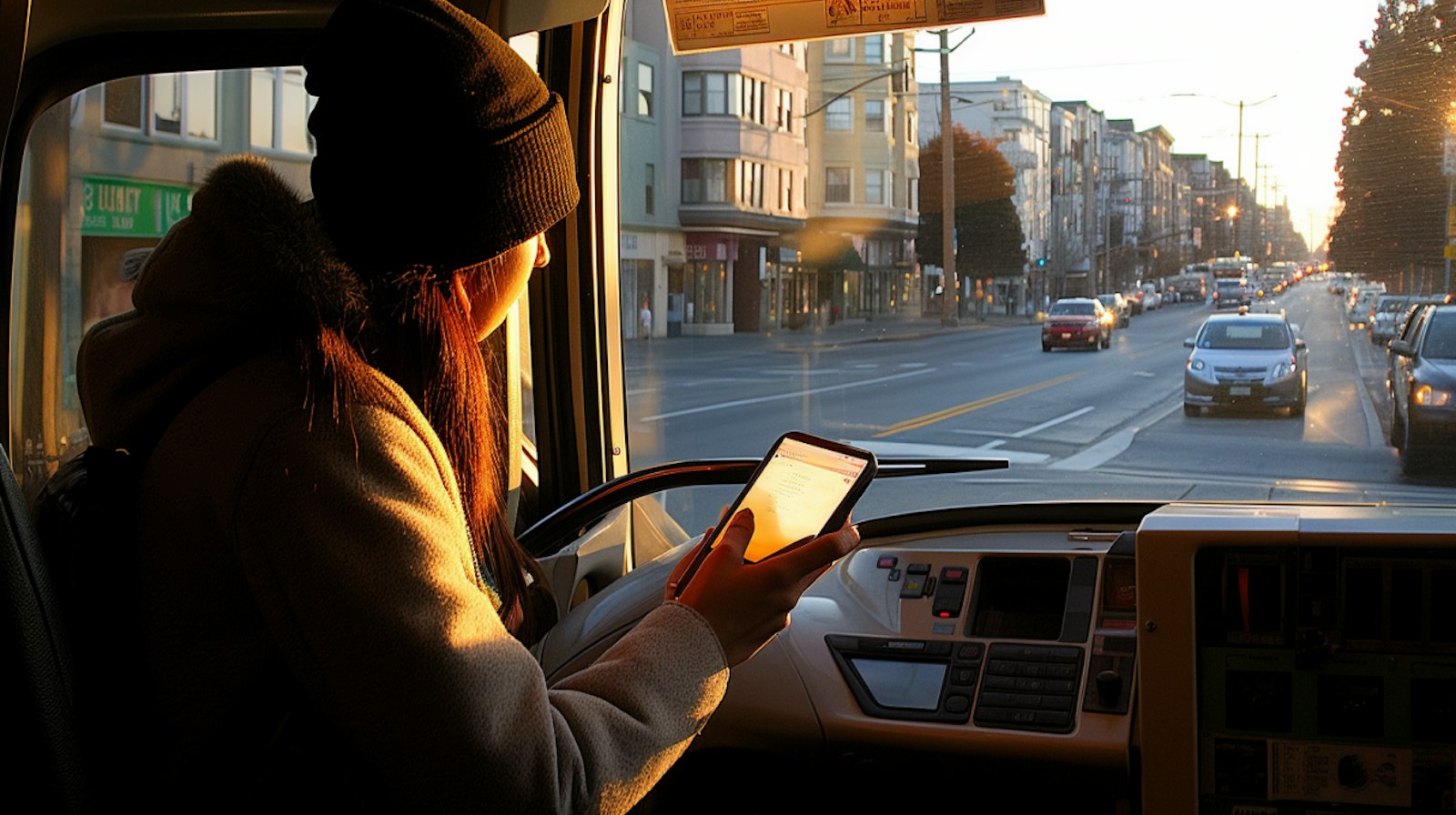
Signal drops in parking garages, rural roads and large buildings. A reliable app stores the route and stop details on the phone, records deliveries without a connection and syncs automatically when coverage returns. Drivers should never lose work because of a dead zone.
Make proof of delivery quick
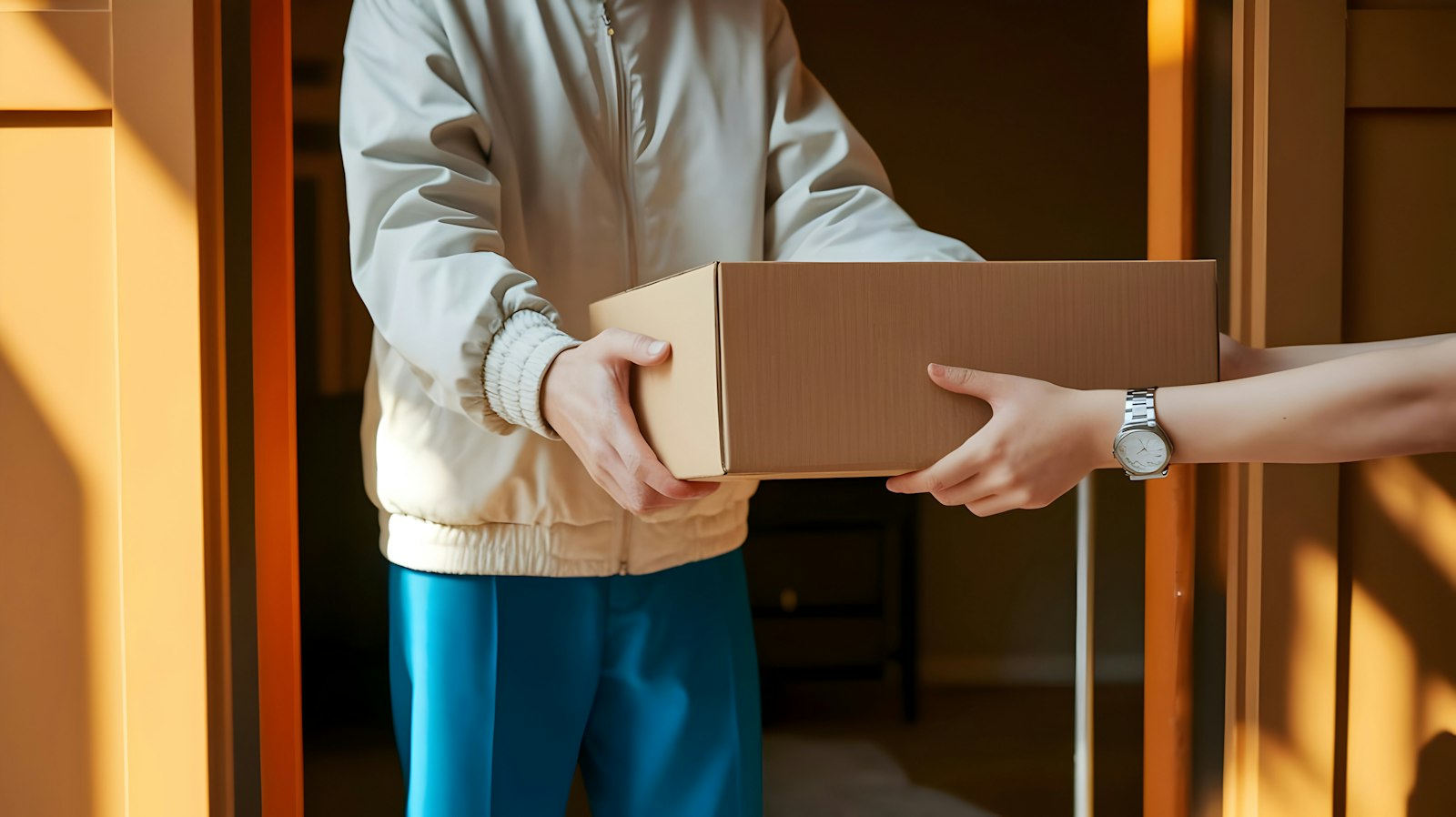
Photos, signatures and notes protect the business, but they should take seconds. Open the camera directly, capture the location and time automatically and require only what the business truly needs.
Keep communication simple
Drivers need a fast way to reach dispatch and to let customers know they are on the way or outside. Templated messages and one tap calls reduce distraction.
Respect the battery and the phone
Location tracking and constant syncing can drain a battery before the shift ends. Efficient tracking, sensible update intervals and support for older devices keep the app usable all day.
Test with real drivers
The most valuable research is a ride along. Watching drivers use the app on real routes reveals problems no office test will catch. Small fixes from that feedback often have the largest impact on adoption.
Building a driver app that lasts
The best driver app is the one drivers prefer to paper. Fast, focused and reliable beats feature rich every time. Our article on what a delivery business needs from its app shows how the driver app fits the wider platform, and Tepia’s delivery app development and field tech apps teams build apps for people who work on the move. If you want a driver app your team will actually use, talk to Tepia.